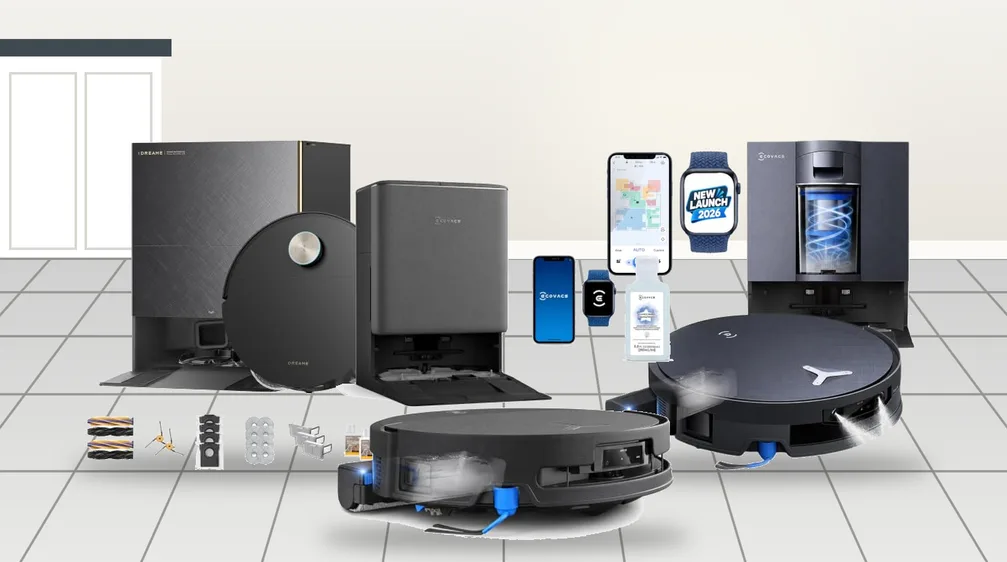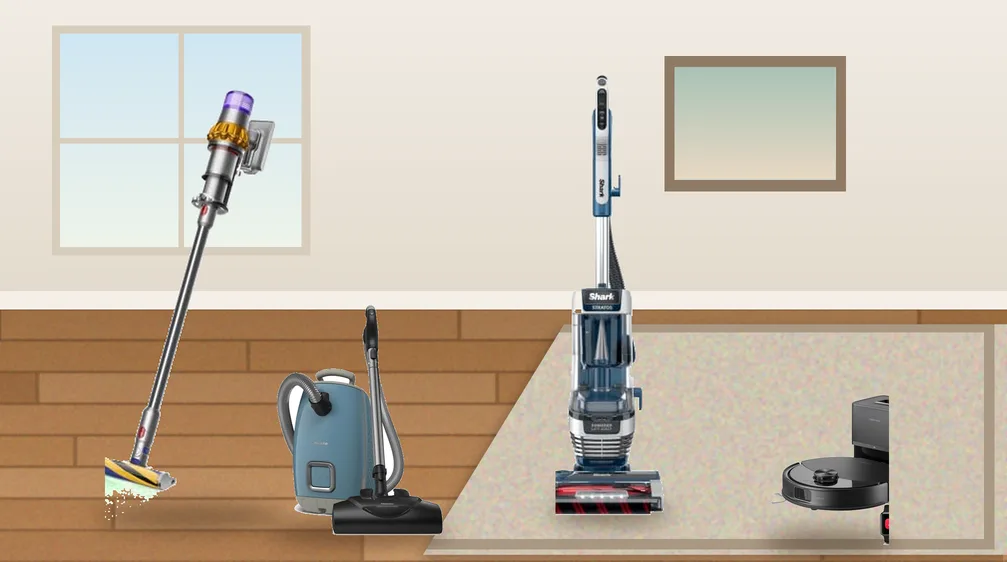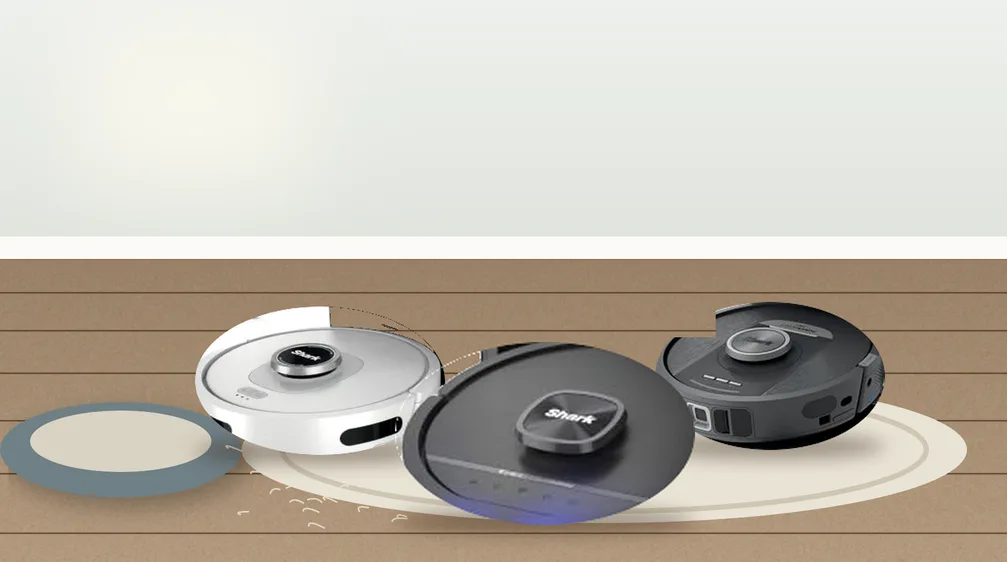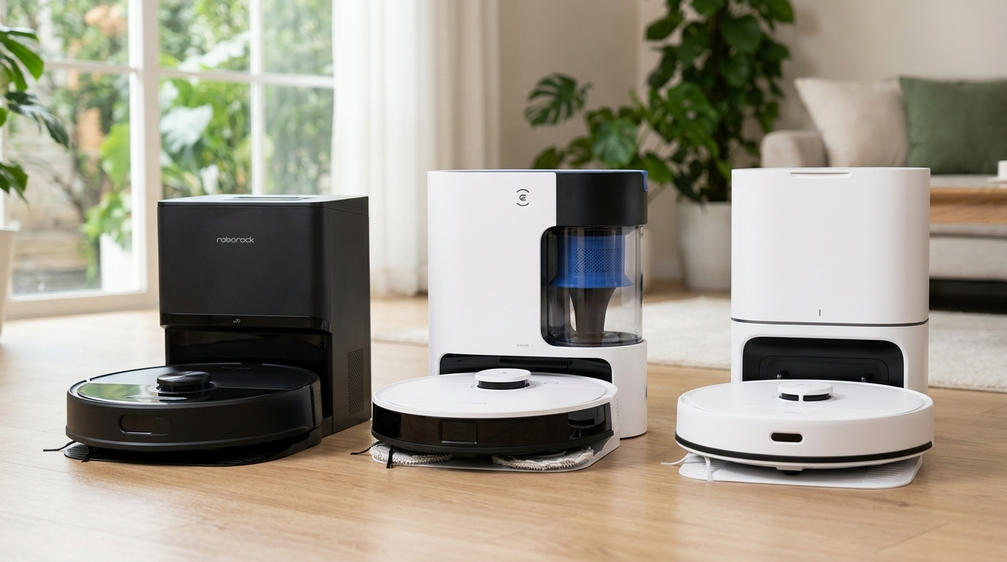
A robot vacuum that bumps around at random will eventually cover most of the floor, but it misses spots, wanders back into rooms it already cleaned and can’t be told to skip the kids’ Lego corner. A mapping robot scans your home, splits it into rooms and lets you send it to the kitchen after dinner or draw a no-go line around the pet bowls. A few years ago that cost $500 or more. Now LiDAR mapping shows up on robots under $150.
Our pick for the best budget robot vacuum with mapping is the roborock Q10 S5+. It maps with LiDAR, empties itself and posted some of the strongest carpet and pet hair results we found, often for under $300. If you have a big home, the ECOVACS DEEBOT N20 Plus maps fastest and runs longest per charge. For the lowest price with a self-emptying dock, the Tapo RV30 Max Plus sells for around $210, and the roborock Q7 L5 brings LiDAR mapping in at about $140 if you’re happy to empty the bin yourself.


See how all 5 mapping robot vacuums compare in our side-by-side comparison chart ↓
The 5 Best Budget Robot Vacuums with Mapping
Best budget robot vacuum with mapping for most homes
The best mix of mapping, cleaning power and hands-free emptying we found at a budget price.
How well does it map and clean? Very well. Its LiDAR covered floor space faster than average in independent testing, and it pulled 96% of embedded sand from carpet, tied for the best result that tester has recorded. It also picked up 96% of flattened pet hair with no long hair wrapped on the brush.
What stands out? Multi-floor maps, room cleaning and no-go zones in the app, about 1,240 square feet of coverage per charge, and a mop that lifts on carpet so it can vacuum and mop in one run.
What’s the catch? Obstacle avoidance is weak, so pick up cords and socks first, and some early owners reported units failing within weeks.
Who should buy it? Most homes with a mix of carpet and hard floors.
- Excellent carpet and pet hair results in independent testing
- No hair wrap in the long-hair tangle test
- Fast, efficient LiDAR navigation
- Self-emptying dock
- Mop lifts on carpet
- Weak obstacle avoidance
- Some early reliability complaints
- Dock doesn’t wash the mop
Best budget mapping robot vacuum for bigger homes
A fast mapper with a long battery, built for homes where smaller robots run out of charge halfway through.
How well does it map and clean? Very well. In independent testing it built its first map in about 5 minutes, less than half the average, and covered 0.94 square meters per minute, well above the 0.68 average. It also picked up 96% of pet hair with zero tangling.
What stands out? Ecovacs rates the battery at up to 300 minutes, about twice the average robot. The bagless dock holds up to 45 days of debris, so there are no bags to buy, and the app supports 3D maps, multi-floor maps and virtual walls.
What’s the catch? The fixed mop pad doesn’t lift and scored well below average on dried stains, and it has only basic infrared sensors for obstacles.
Who should buy it? Larger single-floor homes that need long runs without recharging.
- Fastest mapping among our picks
- Long rated battery life
- Bagless dock with no bags to buy
- 96% pet hair pickup with no tangles
- Weak, fixed mop pad
- Basic obstacle sensing
- Mop must be removed by hand for carpet
Cheapest budget robot vacuum with LiDAR mapping and a self-emptying dock
The least expensive robot we found that pairs a real LiDAR map with a self-emptying dock.
How well does it map and clean? Well. One major tech site’s hands-on review found it mapped the home quickly and sorted it into rooms automatically. It scored 90.7 overall, picking up about 99% of cereal and 93% of pet hair on hardwood.
What stands out? You can join, split and rename rooms, set no-go zones and choose one to three passes. Tapo says the 3-liter dock bag lasts up to two months, and it works with Alexa and Google Home.
What’s the catch? Pet hair pickup fell to about 68% on carpet in that test, the mop is basic and doesn’t lift, and carpet areas have to be marked by hand in the app.
Who should buy it? Apartments and smaller homes with mostly hard floors.
- Lowest-cost LiDAR robot with a self-emptying dock here
- Quick mapping with automatic room splitting
- Strong pickup on hard floors in testing
- Alexa and Google Home support
- Weaker pet hair pickup on carpet
- Basic mop that doesn’t lift
- Lower rated suction than other picks

Best budget mapping robot vacuum for hard floors
A dependable LiDAR robot that one major test lab names the best budget robot vacuum it has tested.
How well does it map and clean? Well on hard floors. In one independent test series it scored 158 on dried stains against a 112 average, the best result in its head-to-head, and navigated faster than average with about 1,370 square feet of coverage per charge.
What stands out? More than double the average sealed suction in bench tests, saved maps for multiple floors and a sealed dock bag that roborock says lasts 7 to 9 weeks.
What’s the catch? It picked up slightly less pet hair than average and 43% of long hair wrapped on the brush. There’s no obstacle avoidance and the mop doesn’t lift.
Who should buy it? Homes with mostly tile, laminate or hardwood and short-haired pets or none.
- Top stain result in its head-to-head test
- Very strong measured suction
- Efficient LiDAR navigation with multi-floor maps
- Long-lasting dock bag
- Slightly below-average pet hair pickup
- Long hair wraps the brush
- No obstacle avoidance
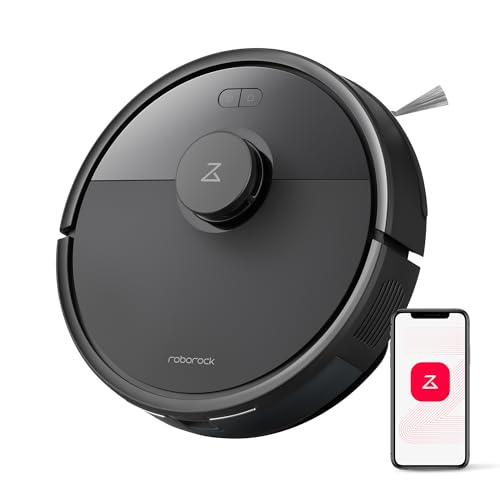
Cheapest budget robot vacuum with LiDAR mapping
The cheapest way we found to get true LiDAR room mapping, as long as you skip the self-emptying dock.
How well does it map and clean? Better on carpet than its price suggests. In independent testing it removed 80% of embedded sand, above the 76.7% average, navigated efficiently and covered an estimated 1,465 square feet per charge.
What stands out? You get the same app as pricier models, with room cleaning, no-go zones, saved maps and recharge and resume, plus nearly twice the average sealed suction.
What’s the catch? Pet hair is its weak spot. It picked up only about 12% of flattened pet hair in that test, more than half of long hair wrapped the brush, and the mop uses a lot of water.
Who should buy it? Pet-free homes that want accurate mapping for the least money.
- Lowest-cost LiDAR mapping on our list
- Good carpet deep cleaning in testing
- Long coverage per charge
- Full app with rooms and no-go zones
- Very weak pet hair pickup
- No self-emptying dock
- Heavy water use when mopping
Budget robot vacuums with mapping compared
|
Best overall
roborock Q10 S5+
|
Best for large homes
DEEBOT N20 Plus
|
Best cheap self-emptying
Tapo RV30 Max Plus
|
Best for hard floors
roborock Q7 M5+
|
Lowest-cost LiDAR
roborock Q7 L5
|
|
|---|---|---|---|---|---|
|
|
|
|
|
|
|
| Mapping | LiDAR | LiDAR | LiDAR | LiDAR | LiDAR |
| Multi-floor maps | 1 | 1 | 1 | 1 | 1 |
| Rated suction | 10,000 Pa | 8,000 Pa | 5,300 Pa | 10,000 Pa | 8,000 Pa |
| Self-emptying dock | 2.7L bag | Bagless, up to 45 days | 3L bag, up to 2 months | 2.7L bag, 7 to 9 weeks | No |
| Mop lifts on carpet | 1 | – | – | – | – |
| Navigation | 3 | 3 | 2 | 3 | 3 |
| Carpet cleaning | 3 | 3 | 2 | 2 | 2 |
| Pet hair | 3 | 3 | 2 | 2 | 1 |
| Current price | $279.98 | $225.38 | – | $299.99 | $199.99 |
| Read review | Read review | Read review | Read review | Read review |
What does mapping actually do on a robot vacuum?
A mapping robot uses a sensor to measure the walls and furniture around it, then builds a floor plan as it cleans. After the first run, the app shows that plan and usually splits it into rooms on its own. From there the robot cleans in neat rows instead of bouncing at random, knows where it has been and heads back to the dock when the job is done.
The map is what makes the useful app features possible. You can send the robot to one room, set a different suction level for the bedroom rug, schedule the kitchen every night and the whole house on Saturday, or draw no-go zones around a pet bowl, a tangle of cables or a shag rug. If the battery runs low, recharge and resume lets it top up and finish exactly where it stopped. Without a map, none of that works reliably.
LiDAR vs. camera vs. gyro: which kind of mapping do you need?
LiDAR robots carry a small spinning laser on top. It measures distances many times a second, works in the dark and produces the most accurate maps at this price. Every pick on this list uses it. The trade-off is height, since the turret makes the robot taller, so measure the gap under your sofa.
Camera-based (vSLAM) robots map by recognizing features on the ceiling and walls. They can map well, but they need light to see, and budget camera models tend to be slower and less precise than budget LiDAR models. Some people also prefer not to have a camera rolling around their home.
Gyro or “smart” navigation robots clean in rows using motion sensors, but most don’t save a real room map, so you can’t pick rooms or set reliable no-go zones. They’re cheaper, but they aren’t what you want if mapping is the reason you’re shopping. If a listing doesn’t say LiDAR, laser or a saved, editable map, assume it doesn’t have one.
How to choose a budget robot vacuum with mapping
Room cleaning, no-go zones and schedules all depend on a saved map you can edit.
If you’ll carry the robot upstairs, it needs to recognize which floor it’s on.
Rated suction in Pa is a marketing number that varies by brand and doesn’t predict pickup well.
A dock that empties the robot is the biggest convenience upgrade at this price.
Larger homes need a robot that can finish in one charge or reliably recharge and resume.
Budget LiDAR robots rarely dodge small clutter, and the turret adds height.
Do budget mapping robots avoid obstacles?
Mostly no, and it’s the main thing you give up at this price. LiDAR sees walls and furniture legs well, but it sits on top of the robot and can’t see a phone cable, a sock or a pet accident on the floor. Budget models add basic infrared or structured-light sensors on the front bumper that help with bigger objects, yet in independent testing several of our picks avoided only a handful of everyday obstacles out of two dozen.
You can work around this. Do a quick floor pickup before each run, use no-go zones for the spots where clutter always collects, like behind the TV or under a desk, and schedule runs for when you’re out and the floor is clear. If you have a puppy or a lot of cables you can’t tidy, it’s worth saving for a model with camera-based obstacle recognition instead.
How to get a good first map
-
Clear the floor and open the doors
Pick up cords, shoes and toys and open every door you want mapped, so the robot can reach each room on its first pass.
-
Place the dock well
Put the dock against a wall on a hard floor with clear space on each side and in front, as the manual recommends, and keep it out of direct sun.
-
Run a mapping pass
Many apps offer a quick mapping run that scans the home without full cleaning. Let it finish without moving the robot or the dock.
-
Fix the rooms
Check the room divisions in the app, then merge, split and rename them so commands like “clean the kitchen” make sense.
-
Add no-go zones and carpet areas
Fence off pet bowls, cable nests and fringed rugs, and mark carpets if the app doesn’t detect them so the robot can boost suction or skip mopping there.
-
Save a map for each floor
On a multi-story home, map each level separately and save it, then carry the robot between floors as needed.
Budget robot vacuum with mapping FAQs
What is the best budget robot vacuum with mapping?
For most homes, the roborock Q10 S5+. It maps with LiDAR, empties itself and posted excellent carpet and pet hair results in independent testing.
Is LiDAR better than camera mapping?
At budget prices, usually yes. LiDAR builds accurate maps quickly and works in the dark. Camera-based robots can map well too, but budget versions tend to be slower and need good lighting.
Can a budget robot vacuum map multiple floors?
Yes. All of our picks can save maps for more than one floor. You carry the robot to each level, and it recognizes which map to use.
Do I need Wi-Fi for mapping?
The robot builds its map on its own, but you need Wi-Fi and the maker’s app to see the map, edit rooms, set no-go zones and schedule cleans. Most of these robots use 2.4 GHz Wi-Fi.
How long does it take a robot vacuum to map a home?
Usually one cleaning run. Fast mappers can scan an average home in a few minutes using a dedicated mapping pass, while others need a full first clean before the map is ready to edit.
Will a mapping robot get stuck on cords and socks?
It can. Most budget LiDAR robots don’t recognize small objects, so tidy the floor before runs and use no-go zones for problem spots.
Is a self-emptying dock worth it?
For most people, yes. The onboard bins on these robots are small, and a dock means you empty a bag or bin every few weeks instead of after nearly every run.
Which budget robot vacuum with mapping should you buy?
- Best overall: roborock Q10 S5+
- Best for large homes: ECOVACS DEEBOT N20 Plus
- Best cheap self-emptying: Tapo RV30 Max Plus
- Best for hard floors: roborock Q7 M5+
- Lowest-cost LiDAR: roborock Q7 L5
Start with the roborock Q10 S5+ if you want the strongest all-around cleaner with accurate maps and a self-emptying dock. Pick the ECOVACS DEEBOT N20 Plus for a big home where battery life and quick mapping matter most, or the Tapo RV30 Max Plus if you want auto-emptying for the least money and mostly have hard floors. The roborock Q7 M5+ suits tile and wood with light mopping, and the roborock Q7 L5 gets you LiDAR room maps at the lowest price in a pet-free home.
How We Picked and Tested
Our recommendations are based on independent hands-on reviews and lab testing, plus verified manufacturer specifications. We reviewed findings from Vacuum Wars, RTINGS, and Tom’s Guide, including Vacuum Wars’ test data for the DEEBOT N20 Plus and its roborock Q7 L5 vs. Q7 M5 comparison, alongside BGR’s cheap robot vacuum roundup.
We started with one hard rule: every robot had to build a real, saved map you can edit in the app, with room cleaning and no-go zones. That ruled out cheaper random-bounce and gyro-only models, such as the eufy 11S Max, even when they clean well. All five picks use top-mounted LiDAR and support maps for more than one floor.
From there, we weighed independent results for navigation speed, carpet deep cleaning, pet hair pickup and hair tangling, then gave each robot a distinct role based on where it did best. Some LiDAR robots, like the iRobot Roomba 105 Vac, did not make the list because of weak pet hair and coverage results in testing. We kept only models sold new on Amazon US at budget-friendly prices when we checked.
Suction, runtime and dock capacity figures are manufacturer-reported specifications, while cleaning and navigation results are attributed to the independent sources above. We did not test these robot vacuums ourselves.
Why trust CleanTheFloor?
CleanTheFloor publishes practical floor-care advice and buying guides for homeowners and pet owners. We base our picks on published test results and verified specifications rather than marketing claims, and we point out each product’s drawbacks.